
KYC MI DEMOGRAPHIC FORM FILLING AUTO TYPING SOFTWARE
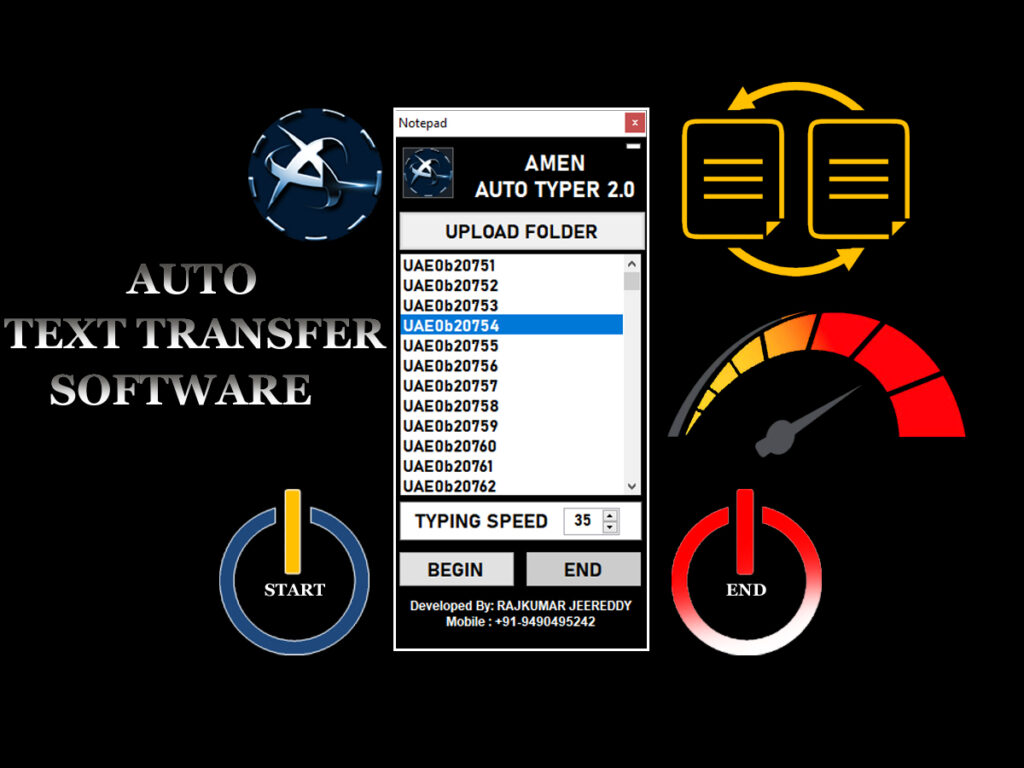
KYC MI Demographic Form Filling Auto Typing Software is a very useful tool that automates filling MI Demographic forms with best accuracy. This software is designed to be efficient and accurate, making your form-filling tasks faster and easier. Whether you are filling KYC forms, MI demographic data, or handling lots of entries at once, this tool types quickly while maintaining 100% accuracy. It saves you from doing manual typing and without errors.
How to Download & Install KYC Mi Demographic Auto Typing Software
Downloading and installing KYC Mi Demographic form filling auto typing software is simple:
Download the setup file from the official website.
Run the installer file on your computer.
Follow the instructions displayed on the screen.
Once installed, open the software.
Import your Excel sheet to begin automatic form filling.
For more help, you can watch video tutorials or visit the help center that guide you step-by-step through the installation process
Benefits of Using KYC Mi Demographic Auto Typing
Our Amen tools team is available to guide you step by step for easy usage of the KYC Mi Demographic Auto Typing Software.
Auto fills KYC Mi Demographic forms from Excel automatically.
Works both offline and for web-based form filling.
Reduce Human Errors ,Saves time and improvers accuracy in data entry.
This software is designed to save you hours of manual work while ensuring 100% accuracy and security of your data, making KYC and MI demographic form filling fast and easy.